Church Center

Your Connection Hub for Vive City Chapel 

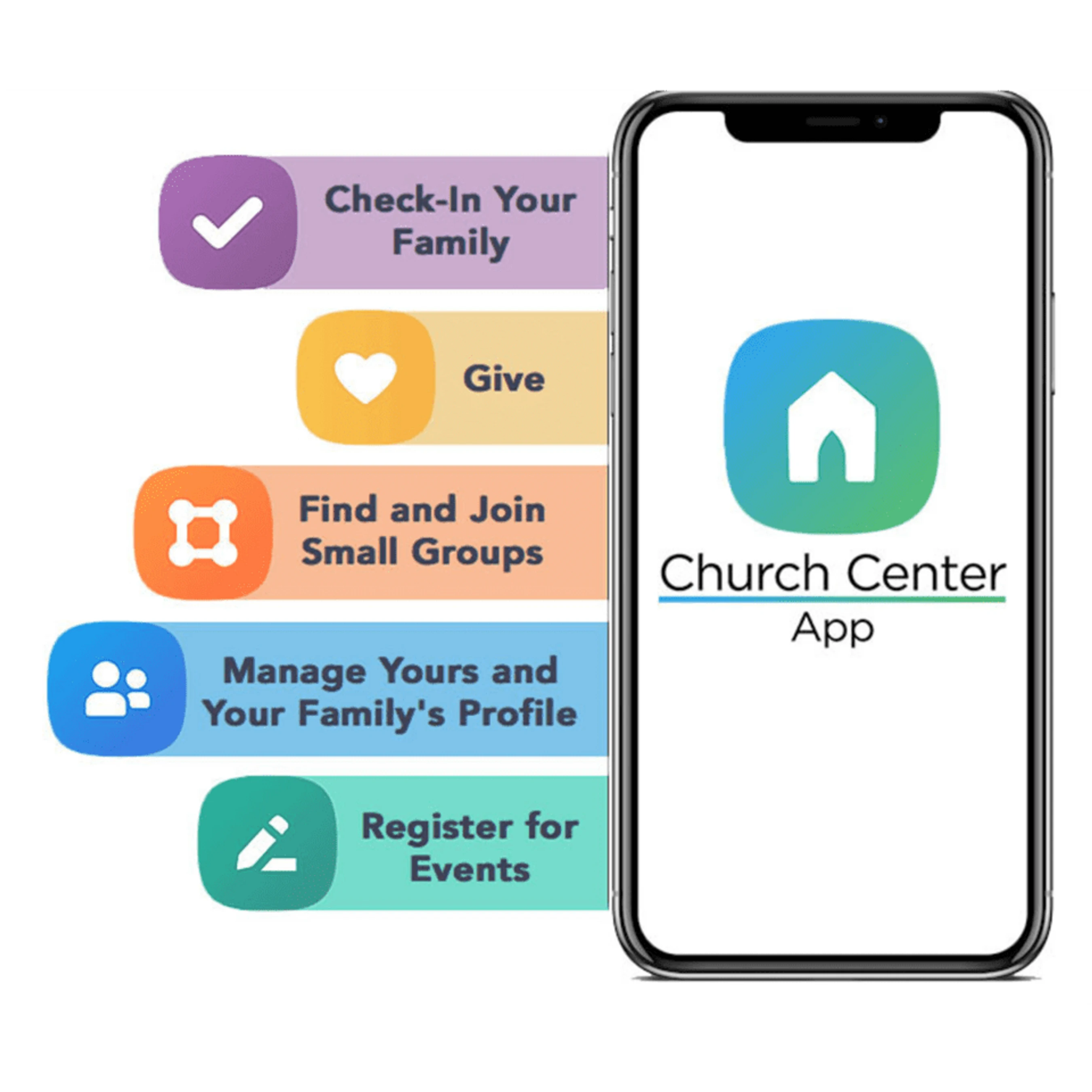
Church Center is a free mobile app and web experience from Planning Center that makes it simple and convenient to stay connected with everything happening at Vive City Chapel. Through Church Center, you can:

  • Stay updated with your Life Group and church events
  • Register for events and volunteer opportunities
  • Manage your giving and donations
  • Watch the latest sermons and messages
  • Keep your contact information up to date

The app requires you to log in to access your account or group information, ensuring your personal data is always protected. Church Center is your one-stop hub to explore, engage, and grow with our church community throughout the week!

Get Started

 On Web: When you’ve opened Church Center in your browser, select "Log in" at the top right corner of the page.


On Mobile: You’ll only have to do these steps the first time you open the app!

1. Search for “Vive City Chapel” (if you’re not in the Miami area, you can add “Miami, FL” in the location search bar below the church name).

2. Select Vive City Chapel and confirm by tapping This is my church.

3. Tap Next to agree to the Terms of service and Privacy Policy.
Log into Your Account

Log into Your Account

Next, you’ll be prompted to enter your phone number (or email, if you prefer).

Enter the six-digit code you receive via text (or email, if you chose that option). 

If you are already have a profile in Planning Center (from serving, being in a Life Group, registering for an event or filling out a connect card), you’ll be asked to verify your name. 

If you don’t already have a profile, you can create one at this point by adding your name and email!

Stay Connected

Once you download Church Center and log in, you’ll be able to take advantage of all sorts of features. Here are some of the most commonly used sections:

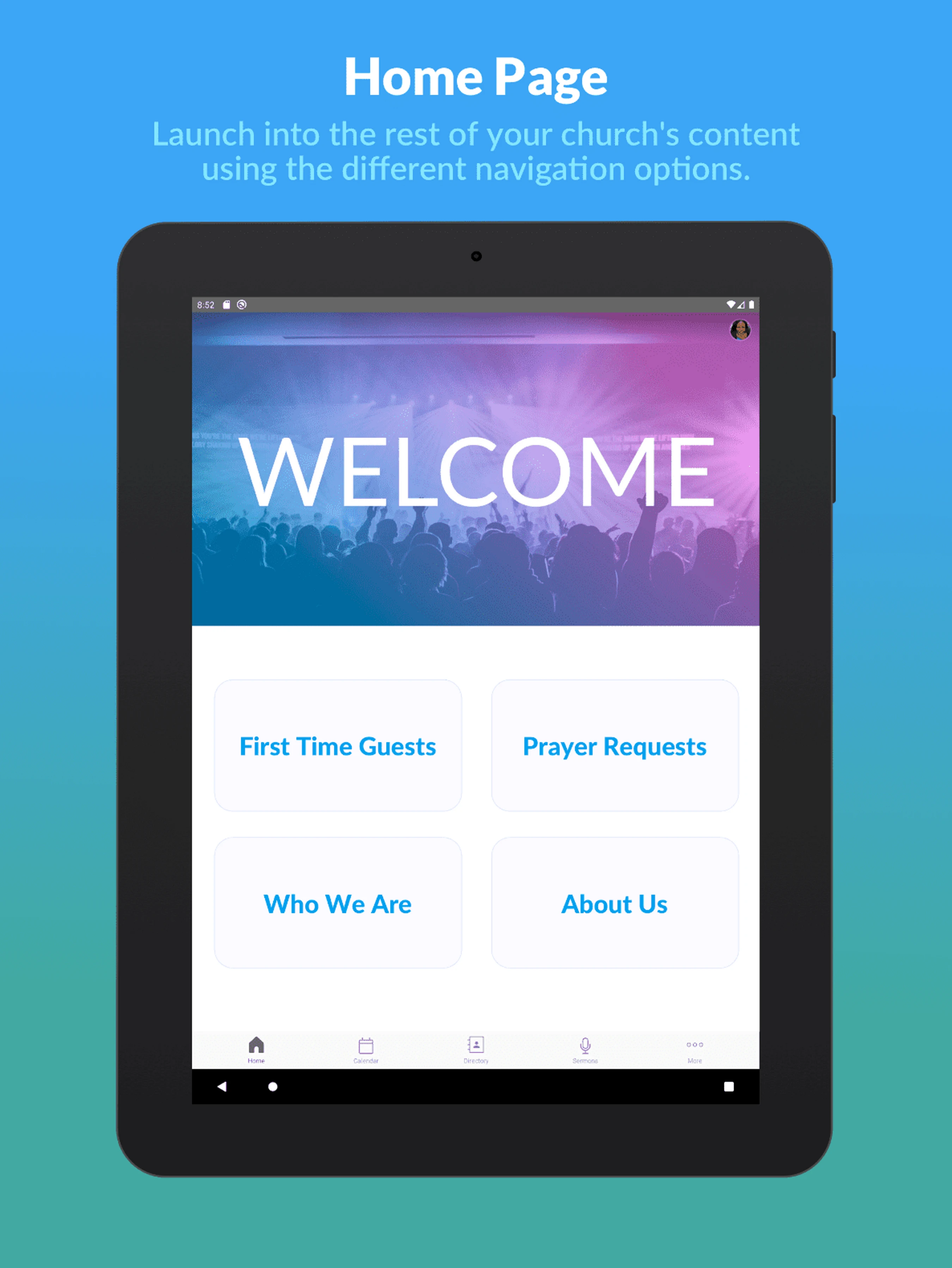
The main Home tab holds important information about our church. You can view our latest sermons, submit prayer requests, and even update your contact info here!

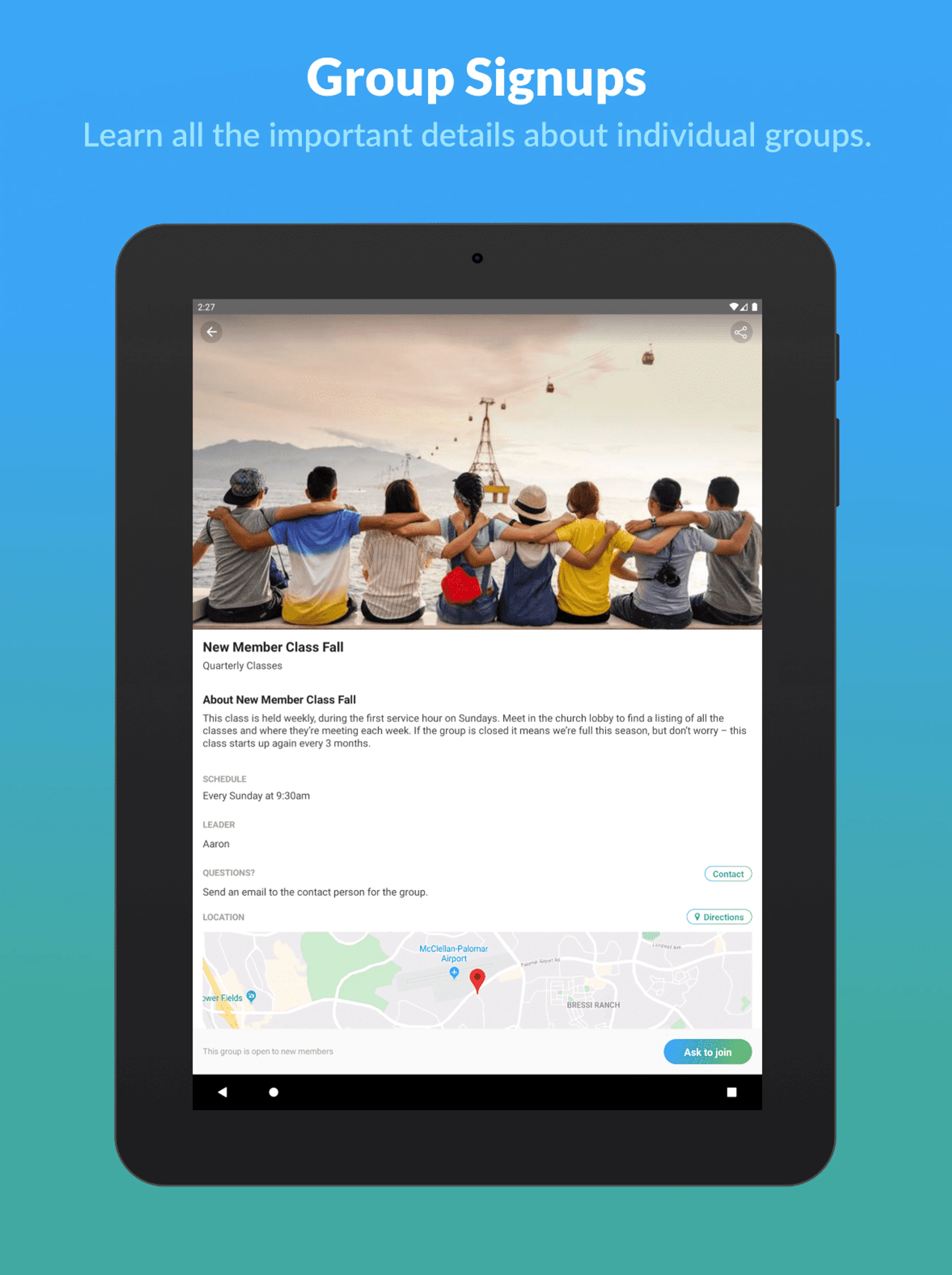
Finding a Life Group has never been easier! Simply sort by the characteristics that are most important to you. After joining a Life Group, you can chat with other members, see when the next group event is, and use group study materials found in the Resources section.

Church Center makes mobile giving simple and convenient. In the Giving tab, you can quickly set up secure one-time and recurring donations through Planning Center.

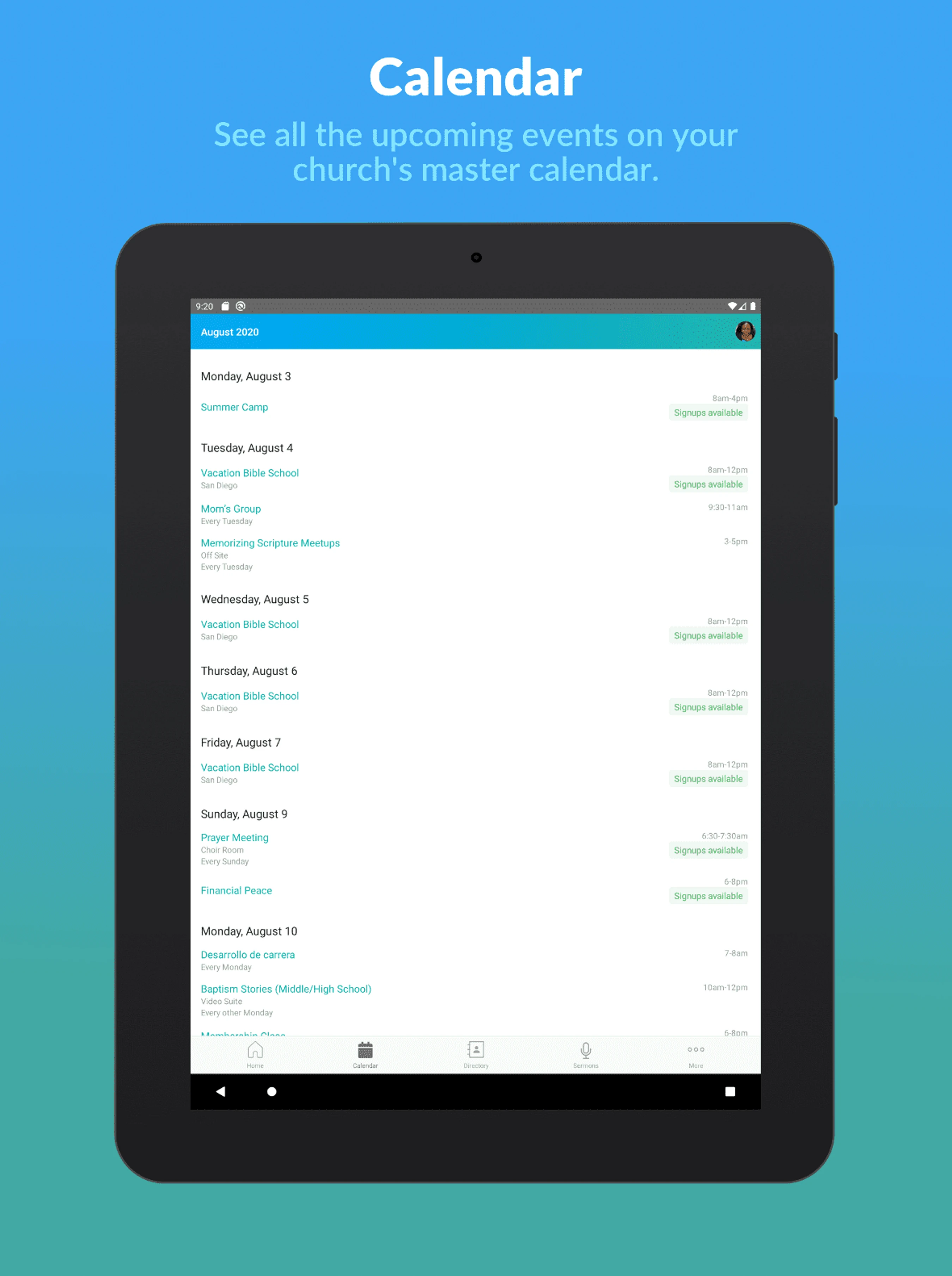
There’s lots of exciting things happening at Vive City Chapel! In the Calendar tab, you can find and register your household for all upcoming events. After you register, you can view or update your registrations in your profile!

When you’re logged in, you can click on your profile icon in the top right corner to verify and update your contact information. In this profile view (called "Me"), you can also view your groups, event registrations, and when you’re scheduled to serve. If you don’t already have a profile photo, feel free to upload one!